
Saw a Recipe on TikTok or Instagram? Here's How to Actually Make It
April 14, 2026 · 5 min read
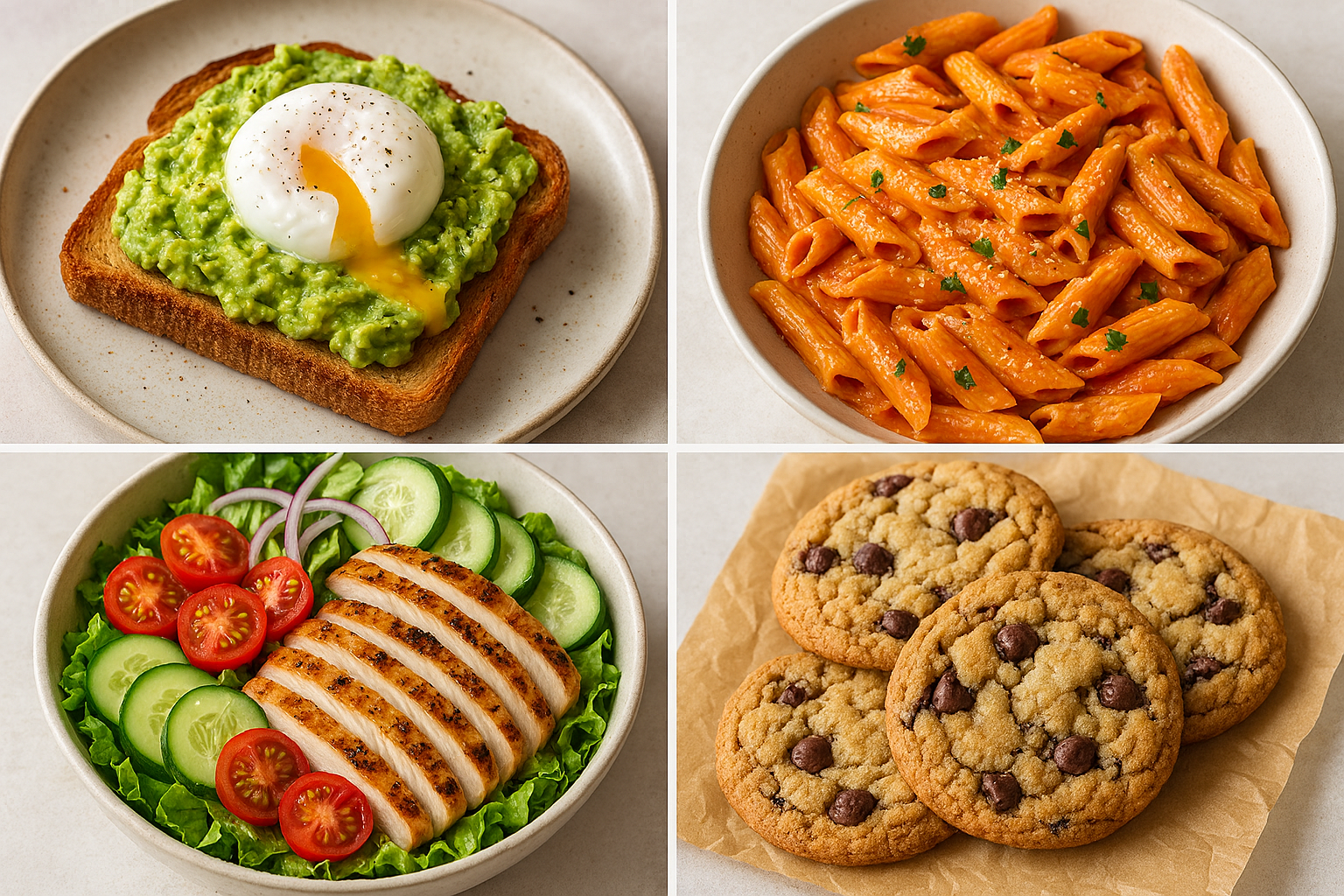
You're scrolling through Instagram or TikTok late at night, and there it is: a glistening bowl of garlic butter noodles, a golden roast chicken, a dessert that looks like it belongs in a magazine. You hit save. You tell yourself you'll make it this weekend.
And then... nothing. The video sits in a folder with forty other "someday" recipes, because the creator never actually wrote down the ingredients or the steps — just thirty seconds of satisfying b-roll and a caption that says "recipe in the comments 👇" (it is not, in fact, in the comments).
If that sounds familiar, you're not alone. This is one of the most common frustrations in modern home cooking: the recipe exists, visually, but not in any usable form.
Why "Recipe in the Comments" Almost Never Works
Short-form food content is optimized for watch time, not usability. Creators are incentivized to keep things visual and fast-paced — not to type out a full ingredient list with quantities and a step-by-step method. Even when a written recipe does exist, it's often:
- buried in a blog post behind ten paragraphs of life story and three pop-up ads,
- locked in a Discord server or paid newsletter,
- or simply never written down at all, because the dish was improvised on camera.
The result is a strange modern problem: we are surrounded by more food inspiration than any generation in history, and yet turning that inspiration into an actual weeknight dinner is harder than it should be.
The Old Workarounds (and Why They're Tedious)
Most people deal with this in one of three ways:
- Pause-and-guess — repeatedly pausing the video, squinting at the pan, and trying to reverse-engineer quantities and steps from a 15-second clip.
- Searching for "the same" recipe online — which usually returns something similar, not the dish you actually saw, and definitely not with the same flavor profile or technique.
- Giving up — by far the most common outcome, and the reason that "recipe" folder keeps growing instead of shrinking.
None of these are satisfying. You saw something specific. You want to cook that, not an approximation of it.
The Faster Way: Let AI Read the Photo for You
This is exactly the gap ChefAI was built to close. Instead of trying to reconstruct a recipe from a blurry frame of a video, you can:
- Take a screenshot of the dish — from the video, the photo, the food blog hero image, whatever you've got.
- Upload it to ChefAI.
- Get a complete, structured recipe in seconds — dish name, full ingredient list with quantities, step-by-step instructions, an estimated prep time, a difficulty rating, and an estimated calorie count per serving.
Under the hood, ChefAI uses Google's Gemini multimodal AI to actually look at the image — identifying the dish, inferring likely ingredients and technique, and returning a clean, structured recipe instead of a wall of text to wade through. No ten-paragraph life story. No guessing at quantities. Just the dish, ready to cook.
From "I Wish I Could Make That" to "Adding This to My Plan"
Here's where it gets genuinely useful for your week, not just that one dish:
- Save it to your library so it doesn't disappear into your camera roll along with the other forty.
- Organize it into a collection — "Weeknight Pasta," "Recipes I Saw on TikTok," "Date Night," whatever makes sense to you — so your saved recipes become something you actually return to, not a junk drawer.
- Add it to your weekly meal plan alongside recipes you've generated from your own photos, cookbooks, or restaurant menus, and let ChefAI combine everything into one categorized shopping list for your next grocery run.
In other words: that screenshot you took three weeks ago can go from "someday" to "Tuesday" in less time than it takes to rewatch the video.
Try It on the Next Thing You Screenshot
Next time you catch yourself saving a food video with the vague intention of "making that sometime," skip the pause-and-guess routine. Snap or screenshot the dish, upload it to ChefAI, and let the AI do the reverse-engineering for you — ingredients, steps, timing, and all.
That gorgeous bowl of noodles doesn't have to stay a screenshot. It can be dinner.